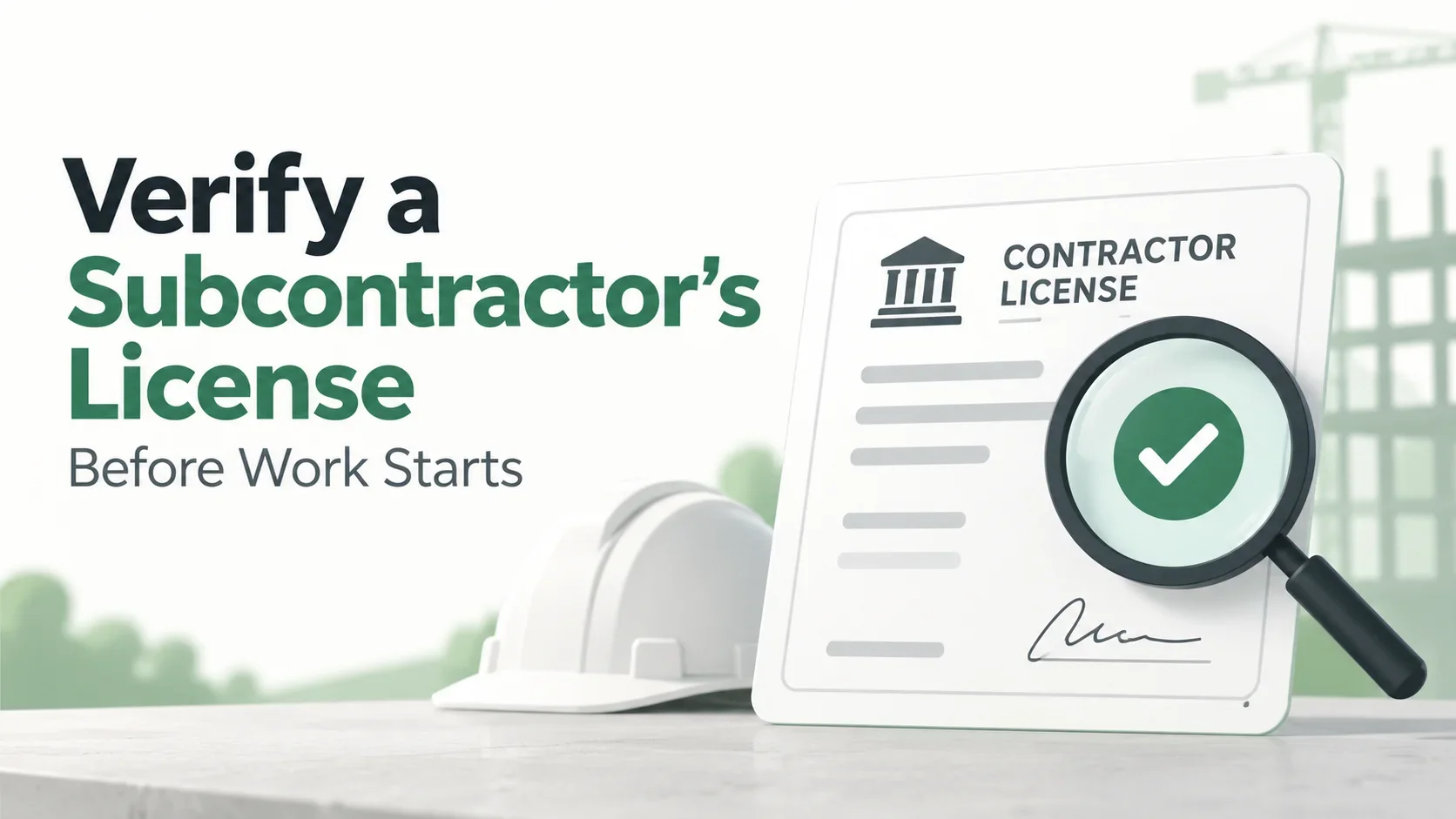
A subcontractor can have a polished website, years of experience, and a current Certificate of Insurance and still have a licensing issue that needs attention. That is why license verification deserves its own step in subcontractor onboarding and compliance.
The exact licensing rules depend on the trade and jurisdiction. Some states regulate contractors through state agencies, while others rely on local licensing systems or different requirements. A general contractor should therefore avoid treating a subcontractor's self-reported license number as proof by itself.
The practical goal is simple: verify the credential against an authoritative source, record what you checked, and know when it needs to be checked again.
Why should GCs verify subcontractor licenses?
License verification helps a contractor confirm that the business or individual performing regulated work has the credential required for the relevant jurisdiction and scope.
It can also help identify changes that are not obvious from a PDF saved in a vendor folder. A license can expire, become inactive, change status, or be subject to other public-record updates depending on the jurisdiction.
Modern compliance tools in this category commonly emphasize the same operational problem: contractors want license status, insurance documents, and expiration information connected to the subcontractor record instead of scattered across spreadsheets and websites. citehttps://constructity.com/https://trackmyvendor.com/contractor-compliance-software
What is license verification?
License verification is the process of checking a contractor's credential against a source that is authoritative for the relevant jurisdiction.
A document supplied by the subcontractor can be useful evidence, but verification is stronger when the GC also checks the issuing authority's current record where such a database is available.
A basic workflow looks like this:
Subcontractor provides license information → GC identifies the issuing authority → GC searches the official record → GC compares the record with the vendor → GC records the result and review date.
What should you verify?
The exact fields vary by licensing authority, but a useful review can include:
| Check | What to compare |
|---|---|
| Legal/business name | Contract/vendor name vs. license record |
| License number | Submitted number vs. official record |
| License type | Does it match the work being performed? |
| Status | Active/current or another status shown by the authority |
| Expiration | When the credential expires, if the authority provides it |
| Trade/classification | Does it cover the relevant scope? |
| Business entity | Does the license belong to the contracting entity? |
| Restrictions | Any publicly listed limitations that affect the work? |
| Disciplinary/public actions | Relevant records where the authority publishes them |
| Verification date | When your team checked the official source |
Do not assume that every licensing authority publishes every one of these fields.
Where should a GC verify a license?
Start with the licensing authority responsible for the jurisdiction where the work is being performed.
For example, California's Contractors State License Board provides public license information and contractor license search resources. The important lesson is not that every state uses the same system; it is that the GC should identify the correct official authority for the job and use its current record when available.
Third-party databases can be useful for workflow support, but the underlying official source is preferable when you are trying to confirm a license status or resolve a discrepancy.
Step 1: Identify exactly who is performing the work
Before searching a license database, establish the legal entity you are contracting with.
Compare:
- Subcontract agreement
- Vendor record
- W-9, when collected
- License information supplied by the subcontractor
- Insurance documents
A common mistake is searching only the trade name shown on an email signature. The official record may use a legal business name, individual qualifier, or another identifier.
If the names differ, document the relationship rather than automatically rejecting the subcontractor.
Step 2: Identify the correct jurisdiction
Do not assume a license from one state or city covers work everywhere.
Ask:
- Where is the project located?
- What type of work will the subcontractor perform?
- Does the jurisdiction require a license for that work?
- Which agency issues or maintains the credential?
- Are local licenses required in addition to a state credential?
Requirements can vary by jurisdiction and trade, so a generic national checklist should be treated as a starting point rather than a legal determination.
Step 3: Search the official record
Use the issuing authority's current search tool when available.
Record the information necessary to reproduce the check later, such as:
- Search date
- License number
- Name searched
- Official source used
- Status shown
- Expiration date shown
- Relevant classification
- Any exception or note
This creates an audit trail instead of simply storing a screenshot or PDF with no explanation.
Step 4: Compare the license with the actual scope of work
A license being active does not necessarily answer whether it covers the exact work your subcontractor is performing.
For example, a contractor may hold an active credential but have a classification or limitation that does not match a particular scope.
The compliance question should therefore be:
Is the subcontractor's current credential appropriate for this work in this jurisdiction?
When the answer is unclear, escalate the question to the appropriate licensing authority or qualified professional rather than guessing.
Step 5: Check expiration and status changes
License tracking is not a one-time onboarding activity if the credential can expire or change status during the project.
A practical workflow includes:
- Initial verification before approval
- Expiration tracking where applicable
- Periodic status checks for higher-risk work
- Reverification when a project or scope changes
- Reverification after a reported license issue
This is one reason a spreadsheet can become unreliable as a compliance system: a row can say “Active” for months even though the underlying public record has changed.
What if the license record does not match the subcontractor's document?
Do not immediately assume fraud or invalidity. First check for ordinary explanations:
- Business name changed
- DBA vs. legal name
- License renewed recently
- State database update lag
- Qualifying individual changed
- License number entered incorrectly
- Subcontractor supplied an outdated document
Record the discrepancy and request clarification when necessary.
A good compliance record should say what was found and what action was taken.
Example:
Pending review — license document supplied by subcontractor shows a different business name than the current official record. Vendor asked to provide clarification before approval.
License document vs. license verification
These are related but different.
| Evidence | What it tells you |
|---|---|
| License card/PDF | What the subcontractor says the credential is |
| Official licensing database | Current information published by the issuing authority |
| Internal compliance record | What your company checked, when, and what decision followed |
The strongest workflow connects all three.
How often should subcontractor licenses be checked?
There is no universal interval that applies to every trade and jurisdiction.
A reasonable internal policy can combine event-based and periodic checks:
At onboarding
Verify the license before the subcontractor is approved for work when licensing is required.
Before mobilization
Confirm the record is still acceptable if significant time has passed since onboarding.
Before expiration
Request renewal information and recheck the official record where appropriate.
After a change
Reverify if the subcontractor changes legal entity, trade scope, project location, or another factor that could affect the credential.
For higher-risk work
Your risk or compliance team may choose more frequent status checks depending on the project and jurisdiction.
Subcontractor license verification checklist
- [ ] Legal contracting entity identified
- [ ] Project jurisdiction identified
- [ ] Trade/scope identified
- [ ] Correct licensing authority identified
- [ ] License number collected
- [ ] Official record searched
- [ ] Status reviewed
- [ ] Expiration date recorded where available
- [ ] Classification/scope reviewed
- [ ] Name/entity match checked
- [ ] Restrictions or public actions reviewed where relevant
- [ ] Verification date recorded
- [ ] Source recorded
- [ ] Exceptions assigned to an owner
- [ ] Renewal/reverification date tracked where appropriate
How license tracking fits with COI tracking
Insurance and licensing answer different compliance questions.
A subcontractor may have:
- Active license but expired insurance
- Current insurance but inactive license
- Current license and insurance but missing W-9
- Complete documents but a project-specific requirement still outstanding
That is why mature subcontractor compliance workflows track documents and credentials separately while giving the GC one overall status view.
SubCada is designed around this kind of centralized subcontractor compliance workflow: keeping required documents organized, tracking expiration dates, and giving teams a clearer view of what still needs attention.
Common mistakes when verifying subcontractor licenses
Mistake 1: Accepting a PDF without checking the official record
The document may be outdated.
Mistake 2: Searching the wrong entity
A DBA, parent company, or related entity can produce misleading results.
Mistake 3: Checking only whether the license is active
Scope, classification, expiration, and restrictions can also matter.
Mistake 4: Verifying once and never checking again
Status can change during a long project.
Mistake 5: Treating every state the same
Licensing systems and requirements vary by jurisdiction.
Mistake 6: Failing to record the verification
If nobody records when and where the check was performed, the team may have to repeat the work during an audit.
Frequently asked questions
Is a contractor license the same as a Certificate of Insurance?
No. A license concerns authorization or credentialing under the applicable jurisdiction. A COI summarizes certain insurance information. They should be tracked as separate compliance items.
Can I verify every subcontractor license online?
Not necessarily. Availability and search methods vary by jurisdiction and trade. When an official online record exists, it can be a useful verification source.
Should a GC keep a copy of the license?
A copy can be useful, but the compliance record should also capture the verification date and source when your process relies on an official database.
What if the subcontractor's license is expired?
Treat it as an exception requiring review under your contract and applicable rules. Do not assume an expired credential is acceptable simply because the subcontractor has performed similar work before.
How should license verification be tracked for many subcontractors?
Use a centralized record with the subcontractor, license type, number, status, expiration, verification date, source, and exception status. This is easier to maintain than separate spreadsheets for every project.
Final takeaway
Subcontractor license verification is not just collecting a license number. It is a repeatable process of identifying the correct entity, checking the correct jurisdiction, using an authoritative source, comparing the credential with the actual scope, recording the result, and knowing when to verify again.
For general contractors managing many subcontractors, the biggest improvement is visibility: every credential should have a clear status, owner, verification history, and next action.
This article is general informational content and is not legal advice. Licensing requirements vary by jurisdiction, trade, project, and scope of work. Confirm requirements with the applicable licensing authority or qualified professional.